How to make your wedding photos outlive every phone and laptop
Three copies, two places, one away from home. A simple system that keeps your wedding photos alive through every dead laptop and every lost USB stick.
Lazar Mihajlović
Published: 11 September 2026
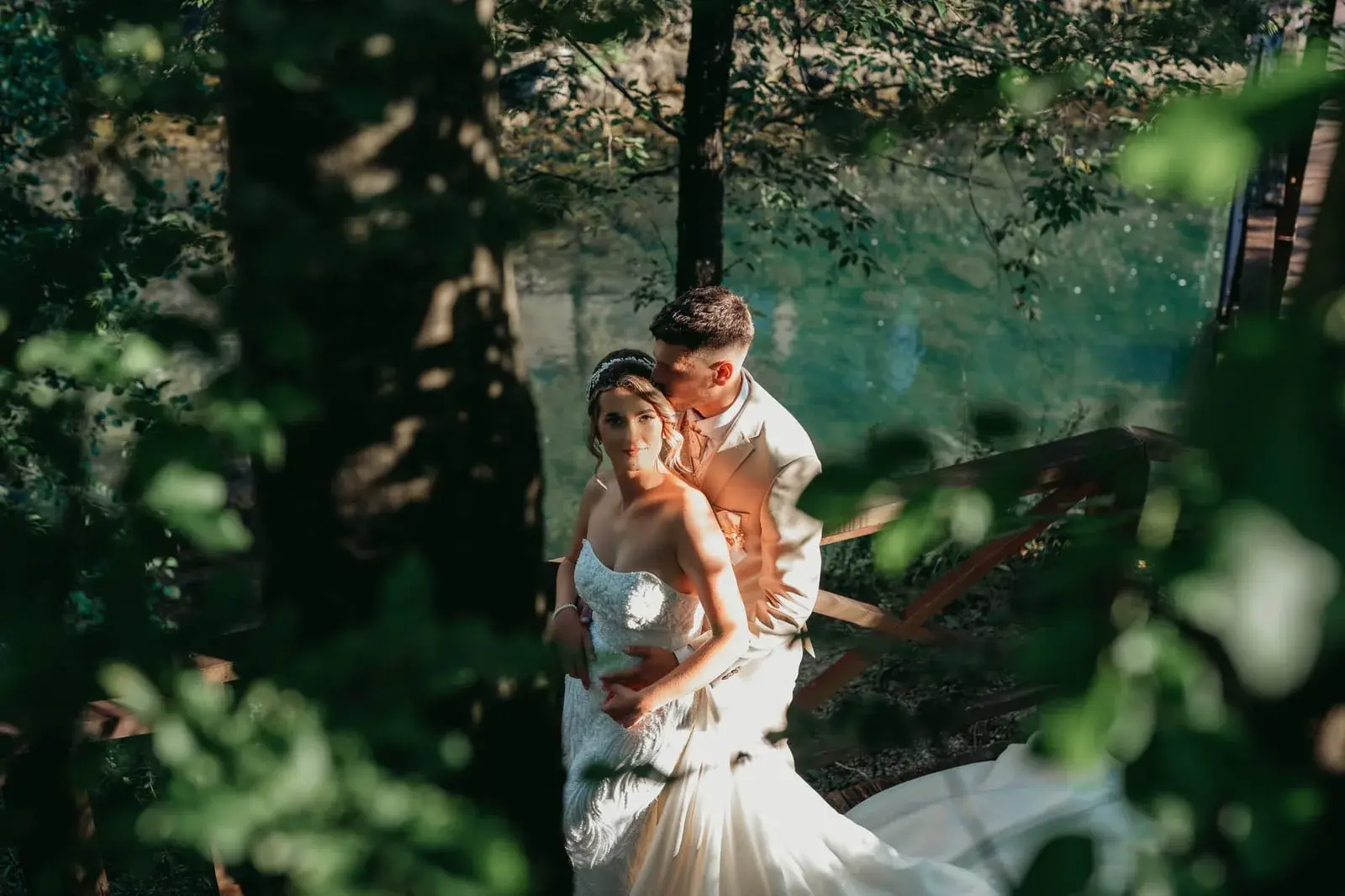
The same message reaches me every few months. A laptop died, a phone was stolen or a USB stick went missing during a move, and it held all the wedding photos. When the archive exists, the story ends happily within ten minutes. When it does not, the silence on the other side comes through the screen.
That is why I write this for every couple I hand a gallery to. Your wedding photos are probably the most important files you will ever own, and keeping them safe asks for neither technical knowledge nor much effort. It asks for one simple system and five minutes a year.
Three copies, two places, one away from home
Photographers and archivists call this the 3-2-1 rule, but it is easiest to remember like this: three copies, two different places, one outside your home. Translated into everyday life, it looks roughly like this:
- First copy: the original gallery on your computer or phone
- Second copy: an external drive sitting in a drawer
- Third copy: the cloud, or a drive you keep at your parents' place
Why exactly this way? Because accidents rarely happen in two places at once. A drive can fail, but it will not fail on the same day as the cloud. A flat can flood, yet the copy at your parents stays dry. One copy is not an archive, no matter how carefully you keep it.
Your phone can already do half of the work. Turn on automatic gallery backup to the cloud and every new photo goes somewhere safe without any effort from you. For the wedding gallery all that is left is to move it onto a drive once, and the system holds.
The cloud: a copy that does not depend on a drawer
The cloud sounds abstract, but in practice it means your photos sit on servers that copy themselves across several locations. Google, Apple or any service you already trust with your phone does the job perfectly well. The only thing that matters is that you upload the original files from the gallery, at full size, and not versions that have passed through a chat.
Viber and WhatsApp are the worst possible place to keep memories. Every photo sent through a chat gets compressed and loses a good part of its quality. For looking at, that is fine. For an archive, it is not.
The USB stick from your wedding is not an archive
The USB stick your gallery arrives on is a delivery method, like the envelope a letter comes in. The first thing to do when it arrives: copy everything onto your computer and onto an external drive. USB memory loses data over time, and for no reason at all such sticks are known to simply stop working one morning.
The same goes for a link to an online gallery. Links do not live forever, servers change, accounts get closed. Download everything while it is fresh, ideally on the same day the gallery arrives.
While you copy, do a minimum of sorting: one folder with a clear name, say Wedding 2026, identical in all three places. Ten years from now you will not be searching through odd folder names, you will open the right one straight away.
A print is the copy nobody can delete
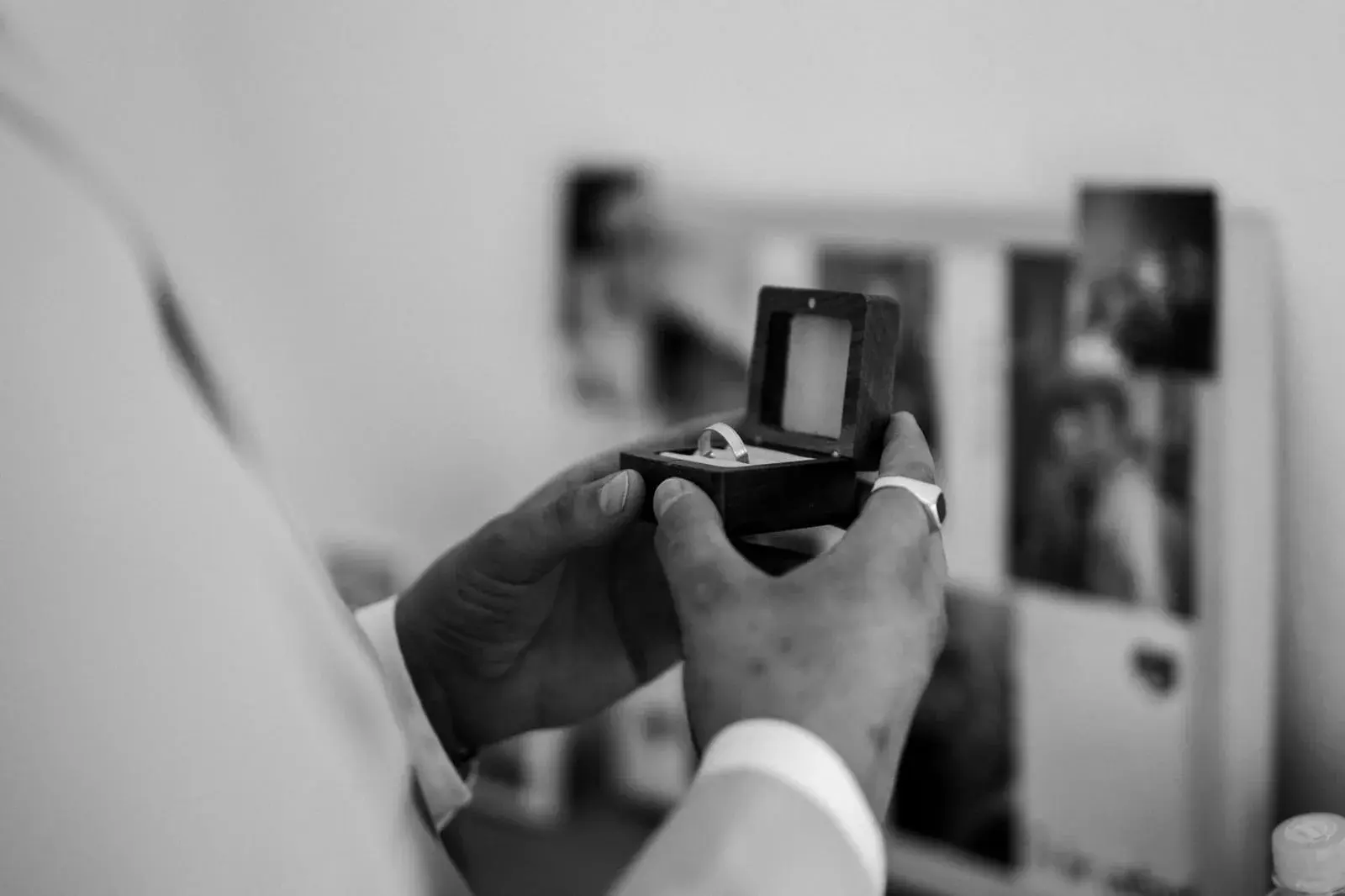
A printed photograph is the only copy that needs neither electricity nor a password. An album survives a change of phone, a closed account and every new file format. My father spent his whole working life behind a camera, and the boxes of his photographs are still being leafed through today, while for the floppy disks from the same period there is nothing left to read them.
I wrote separately about why an album still beats a phone. For this story only one thing matters: a print counts as a full third copy.
It does not have to be a big album right away. Two or three framed photographs and a box of prints are already a copy that lives outside technology.
Five minutes on every anniversary
A system is worth nothing if it is never checked. So I suggest a small ritual: every anniversary, before dinner and the toast, open your archive. Check whether the drive powers up, whether the cloud is still active, and look through a few photos.
That is the loveliest part of it too. Checking the archive regularly turns into half an hour of memories and friendly arguing about who danced how. A technical chore becomes a small family tradition.
Lazar Mihajlović Photography
Memories have to be made first
A date and a location are enough to start. Get in touch, we will check the date and make photographs that will be kept for decades.
Check availability